
Search New Berlin Public Records
New Berlin Public Records are routed through the City Clerk and the city's online request tools, which makes the process easier once you know what kind of file you want. The city uses NextRequest for live public records updates, and it also keeps a separate page for record requests and fees. That gives requesters a clean city path for getting records instead of guessing where to send the request. If you want a city document, a policy file, or another municipal record, New Berlin gives you a clear starting point. The city also explains how electronic communications are treated, which matters when the record is online or emailed.
New Berlin Public Records Portal
The main city request route is the NextRequest portal at new-berlin-wi.nextrequest.com. That portal is the best place to start if you need New Berlin Public Records that are handled by the city clerk. The research says the portal provides live updates from the Office of the City Clerk, which is useful because it lets you track the request after you submit it. A live status trail is helpful when the record is not immediate and you need to know whether the city has started the search.
This New Berlin Public Records image comes from the city's NextRequest portal at new-berlin-wi.nextrequest.com.
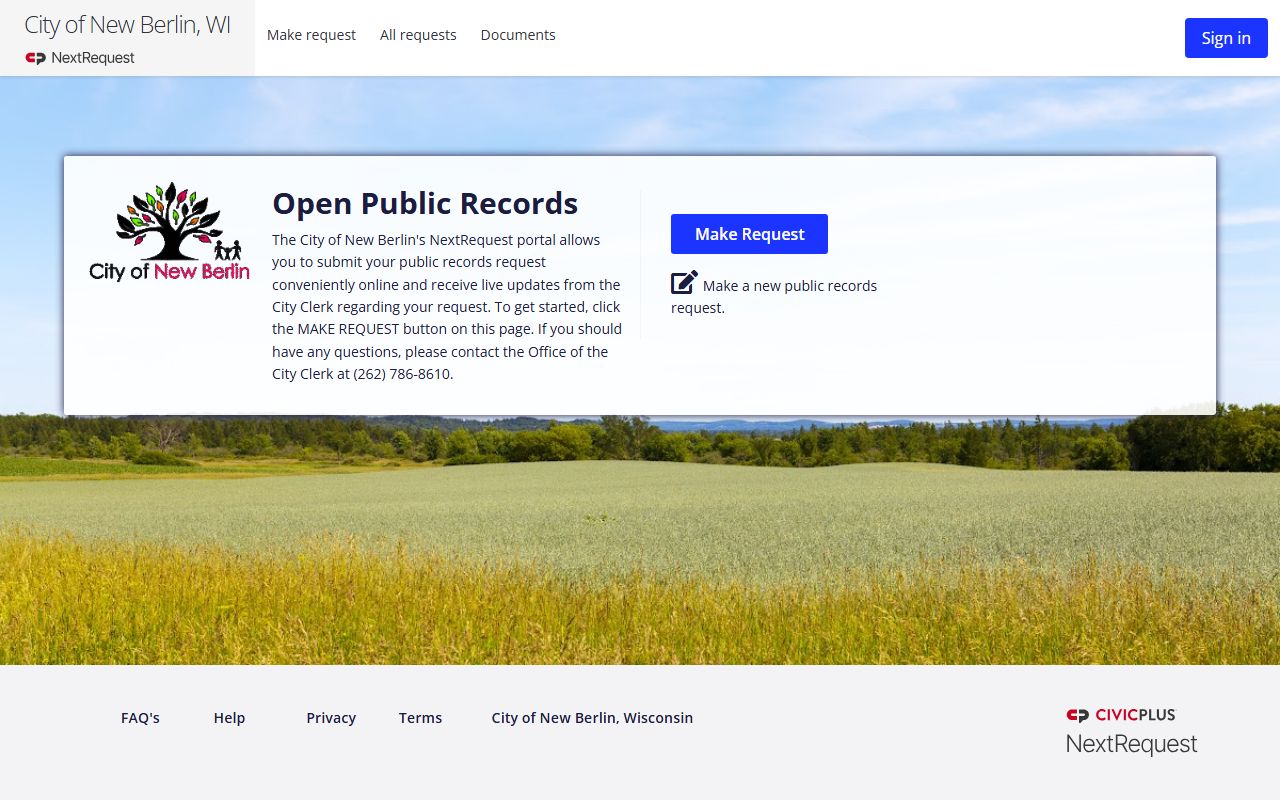
The portal image fits the main request route because it is the city's online entry point for public records requests.
New Berlin also keeps a dedicated Record Requests & Fees page at newberlinwi.gov/1081/Record-Requests-Fees. The city lists the office at 3805 S Casper Drive, New Berlin, WI 53151, with phone number 262-786-8610 and office hours Monday through Friday from 8 a.m. to 4:30 p.m. That page matters because it tells you the city is not hiding the request process. It gives you the fee and contact path in one place, which is exactly what a public records requester needs when the file has to be routed correctly.
New Berlin Public Records work best when the request is specific. If you know the general subject, the office, or the date range, the portal and the fee page can help the clerk narrow it faster. That reduces the back-and-forth that often slows records work. The city's setup is practical because it pairs the online portal with a physical city office and a clear fee page.
This New Berlin Public Records image comes from the record requests and fees page at newberlinwi.gov/1081/Record-Requests-Fees.
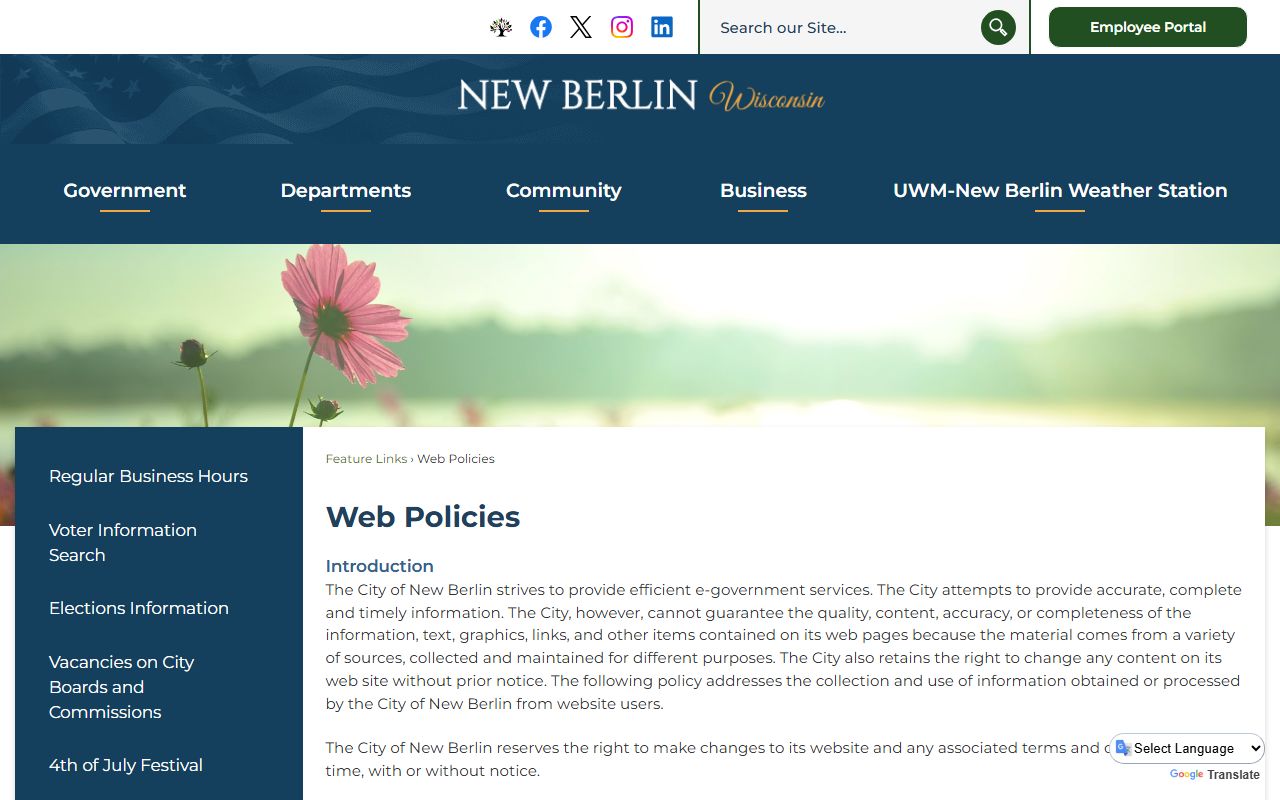
The fees image belongs here because it shows the city's official place for request instructions and cost information.
New Berlin City Clerk Public Records
The Office of the City Clerk is the contact point for live updates from the NextRequest portal, and the city lists that office at 262-786-8610. That makes the clerk office a useful part of the New Berlin Public Records process even when the request begins online. If you need to confirm what the city has received, where the request stands, or how the record was routed, the clerk office is the practical city contact. It is also the office that ties the online request path to the actual municipal record desk.
New Berlin Public Records searches are easier when you treat the clerk office and the portal as one system. The portal takes the request. The clerk office tracks the response. The fee page tells you how the city handles the cost side. That makes the process straightforward and less likely to stall because a request landed in the wrong inbox. If you know the record type, the clerk office can help keep the request on the right track.
The city's office schedule is another small but useful detail. The Record Requests & Fees page says the office is open Monday through Friday from 8 a.m. to 4:30 p.m. That is helpful when you want to call during business hours or drop off a question in person. New Berlin Public Records are easier to manage when you know the live office hours and the online portal are both part of the same request process.
If the record is general city business, the clerk office is the starting point. If the record is on the web or in email, the clerk office still matters because it is the office that administers the city process. That is the simplest way to think about New Berlin Public Records.
- Use the clerk office for live updates and routing questions.
- Use the record requests page for fees and office hours.
- Use the portal when you want to submit the request online.
- Keep the subject and date range specific if you can.
New Berlin Web Policies and Public Records
The Web Policies page at newberlinwi.gov/961/Web-Policies is important because it explains how the city treats electronic communications. The city says electronic communications are public records, and it also says personally identifiable information is protected as required by law. That is a useful detail because many city requests now start with email, web forms, or online attachments. New Berlin Public Records searches need that policy context so the requester understands what the city may keep, release, or protect.
This New Berlin Public Records image comes from the web policies page at newberlinwi.gov/961/Web-Policies.
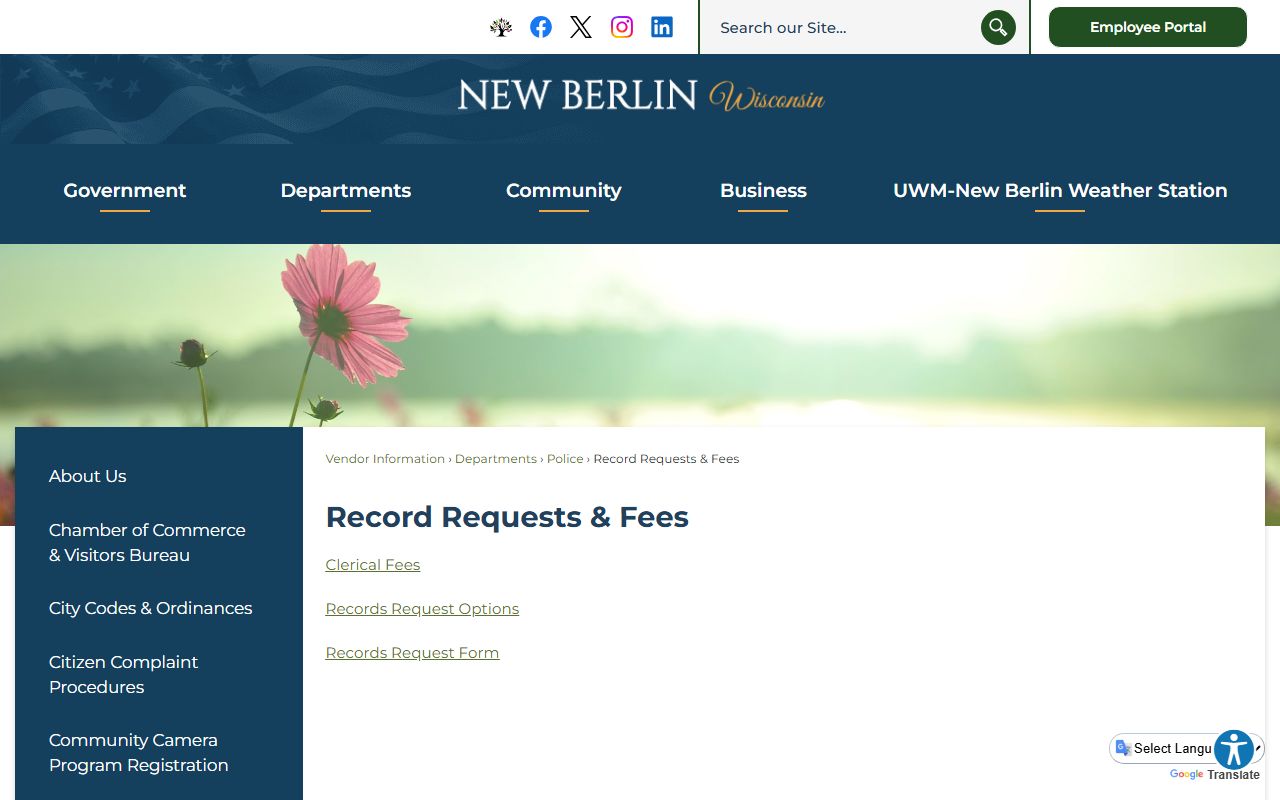
The policies image is a good fit because it shows the city page where electronic records rules are explained.
That policy matters in practice. A lot of city records now exist as messages, drafts, attachments, or portal notes. New Berlin is saying those communications can be public records while still respecting protected personal information. That tells you two things at once. First, the city expects digital records to be part of the public record trail. Second, it will still protect information that the law keeps private. That balance is normal, but the policy page makes it explicit.
New Berlin Public Records become much easier to understand when you keep the request route and the policy page together. The portal tells you how to ask. The record requests page tells you what it costs and where to go. The web policies page explains what counts as a record online. Those three pages form the city's core public access path.
If you are not sure whether an email or electronic note belongs in a request, the web policies page is the best official guide. It gives the city context without forcing you to guess. That is the strongest practical reason to start there after the portal and fee page.
New Berlin Public Records Help
When New Berlin Public Records need a broader legal frame, Wisconsin's official resources help explain the process. Wisconsin's open records law at Wis. Stat. chapter 19 gives the base access rule. The DOJ Office of Open Government at doj.state.wi.us/office-open-government, the Public Records Board at publicrecordsboard.wi.gov, and the State Law Library records guide at wilawlibrary.gov/topics/records/index.php are useful when you need the legal or procedural background behind a city request.
New Berlin is one of those cities where the process is clear because the city has separated the pieces. The portal handles the request. The fee page explains the office and timing. The clerk office provides live updates. The web policies page tells you how electronic communications are treated. That is a solid public records structure because it reduces confusion before the request even starts. If you know the subject and the office, the city can usually move the request faster.
If you only need to know where to start, begin with the NextRequest portal. If you need the office and the fee side, use the record requests page. If the file is an email or another digital communication, the web policies page helps explain what the city may treat as a public record. New Berlin Public Records are straightforward once you follow that order.
The city's records system is not complicated. It is just split across a few clear pages. That is a strength, because it keeps the requester focused on the right source instead of wandering through unrelated city departments.