
Search Green Bay Public Records
Green Bay Public Records are handled through a few clear city offices, and that makes the search practical once you know what you want. The City Clerk, the Public Records portal, the Police Records Division, and the Municipal Court all hold different parts of the record trail. That means a request for a council file is not the same as a police report or a court record. Green Bay also gives you a direct city portal for requests, so you can send the right question to the right office without guessing. If you start with the record type, the city's process is easy to follow.
Green Bay Public Records Portal
The main city request page is the Public Records portal at greenbaywi.gov/195/Public-Records. That page is the best starting point if you want city files, because it explains how requests are handled and where they should go. The city says records requests can be made by email, phone, mail, or the City Hall drop box. Requests go through the Law Department in Room 200 at 100 N. Jefferson Street in Green Bay, WI 54301, and the phone number is 920-448-3080. That gives you a direct official route instead of forcing you to search the whole city on your own.
This Green Bay Public Records image comes from the city public records portal at greenbaywi.gov/195/Public-Records.
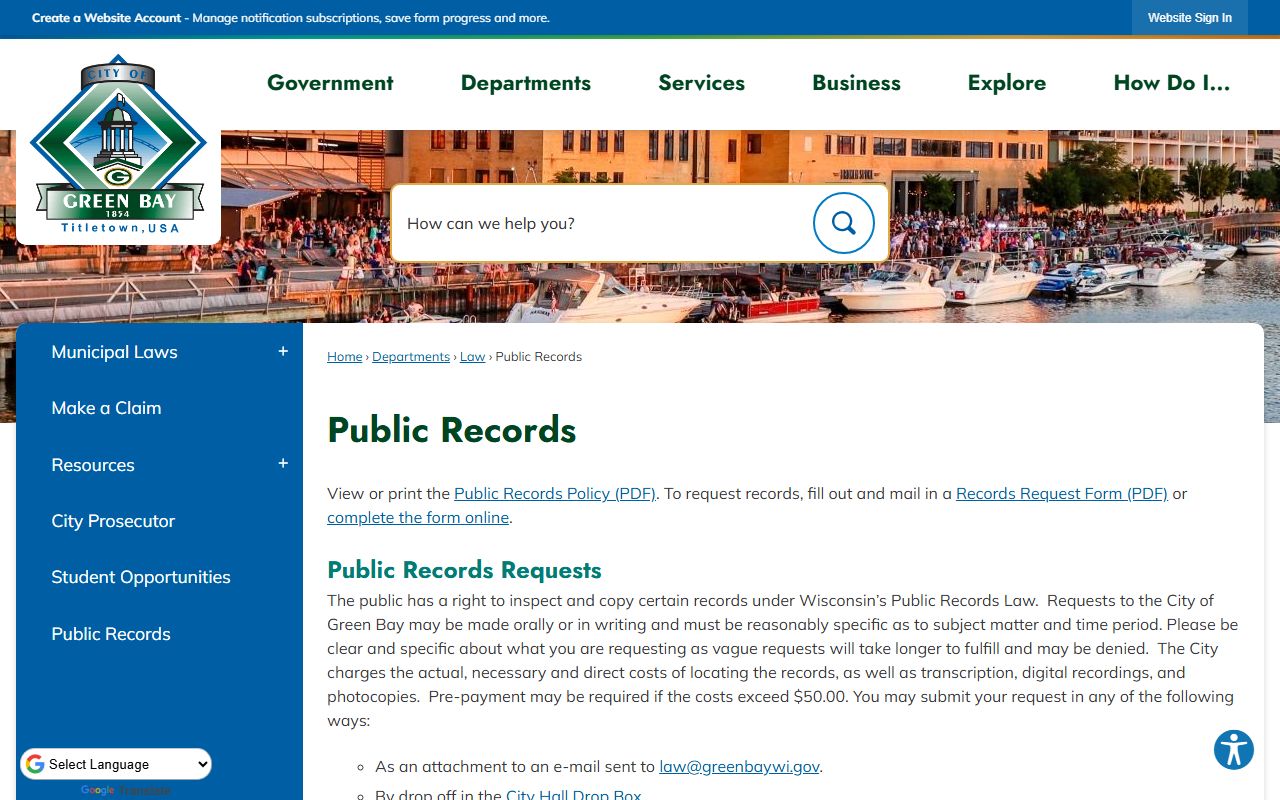
The portal image fits the main request route, since that page is where the city sends public records requests first.
The city says it charges actual, necessary, and direct costs to locate records. It also says prepayment may be required when the cost goes over $50.00. That is a useful detail because it tells you that a Green Bay Public Records request is not a flat fee system. The cost depends on the work involved and the format of the record. If the file is easy to find, the fee may stay low. If the search takes more time or staff work, the city can ask for payment before it continues.
Green Bay Public Records searches are easier when you keep the request simple and specific. The city wants the office, the record type, and the best contact method. If you already know whether you want a council packet, a permit record, a complaint file, or another city document, the portal can route it faster. That is the whole point of the system. It keeps the search tied to the city office that owns the file instead of making you chase it through unrelated departments.
This Green Bay Public Records image comes from the City Clerk page at greenbaywi.gov/196/Clerk.
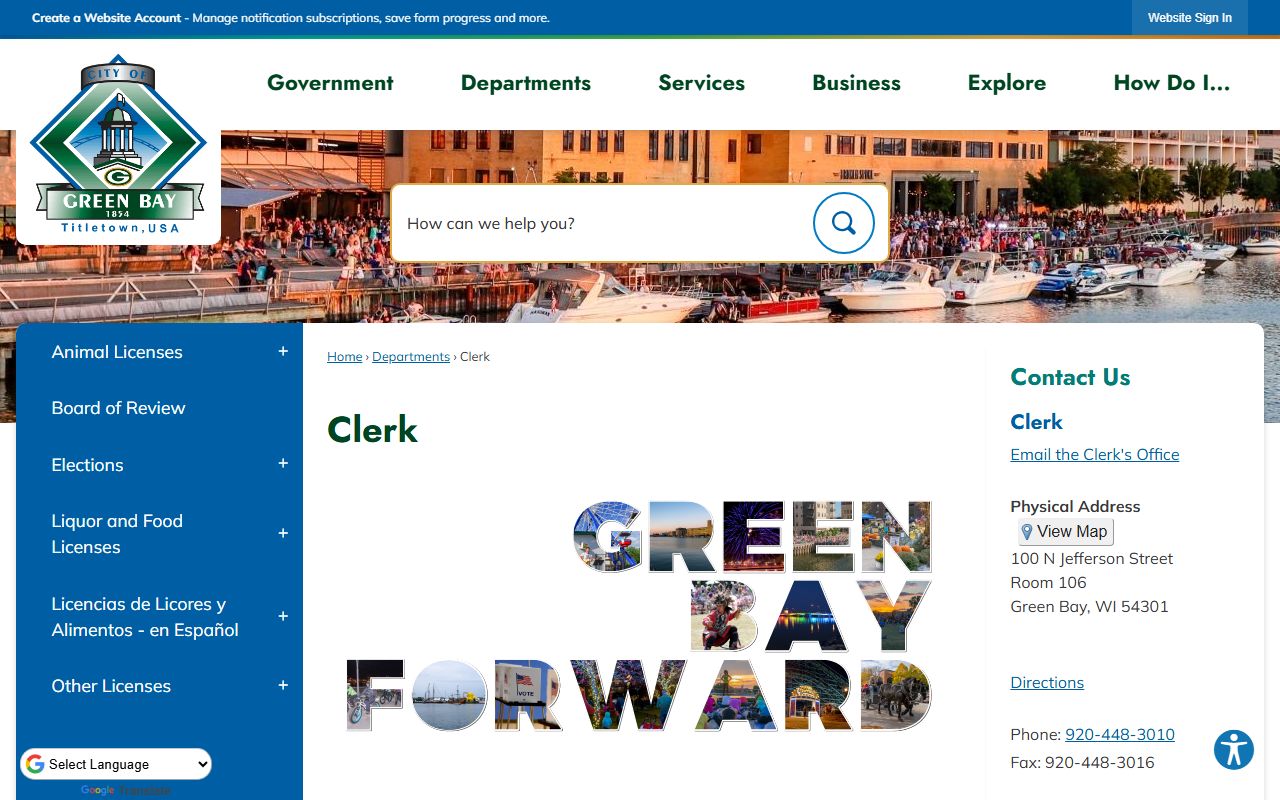
The clerk office image is a good match because the City Clerk is the core office for city records and elections.
Green Bay City Clerk Public Records
The City Clerk's Office is at 100 N Jefferson Street, Room 106, Green Bay, WI 54301. The phone number is 920-448-3010, the fax number is 920-448-3016, and the email is clerk@greenbaywi.gov. The city says this office administers elections, licenses, and city records. That makes it one of the most important local sources for Green Bay Public Records because it sits at the center of the city's official paper trail. If you are looking for meeting records, licenses, or other city files, the clerk's office is the right desk to begin with.
The clerk office also handles tax collection at 100 N Jefferson, Room 106 from mid-December to January 31. That detail matters because it shows the office is not only a records desk. It also serves a city finance role during part of the year. For public records work, that can help you understand why certain records or questions may move through the clerk office even if they are not traditional file requests. Green Bay Public Records are easier when you know which office owns the paper trail and which office simply helps support it.
The clerk page at greenbaywi.gov/196/Clerk is the clean city-level route if you need to confirm office hours or city contact details. It is also the safest place to start if your request involves records that are not clearly police or court documents. Green Bay Public Records can branch in a few directions, but the clerk office keeps the city's core record administration in one place.
If you only need a basic city record or you need to know where to send a request, start at the clerk page, then move to the public records portal if the file belongs with the Law Department. That split keeps the search efficient and avoids sending the request to the wrong office. It is a simple rule, but it saves a lot of time in Green Bay.
- Use the City Clerk for city records, elections, and licenses.
- Use the Law Department portal for formal public records requests.
- Use the drop box if you are delivering a written request in person.
- Keep the record type specific so the city can route it faster.
Green Bay Police Records Public Records
The Police Records Division at greenbaywi.gov/1084/Records-Requests is the city source for incident and police records. The office is at 307 S Adams Street in Green Bay, WI 54301, the phone number is 920-448-3329, and the email is recordrequest@greenbaywi.gov. Office hours are Monday through Friday from 7:30 am to 4:00 pm, closed most holidays. That gives you a direct local route if the record you need is a report, a crash file, or another police document rather than a general city file.
This Green Bay Public Records image comes from the Police Records page at greenbaywi.gov/1084/Records-Requests.
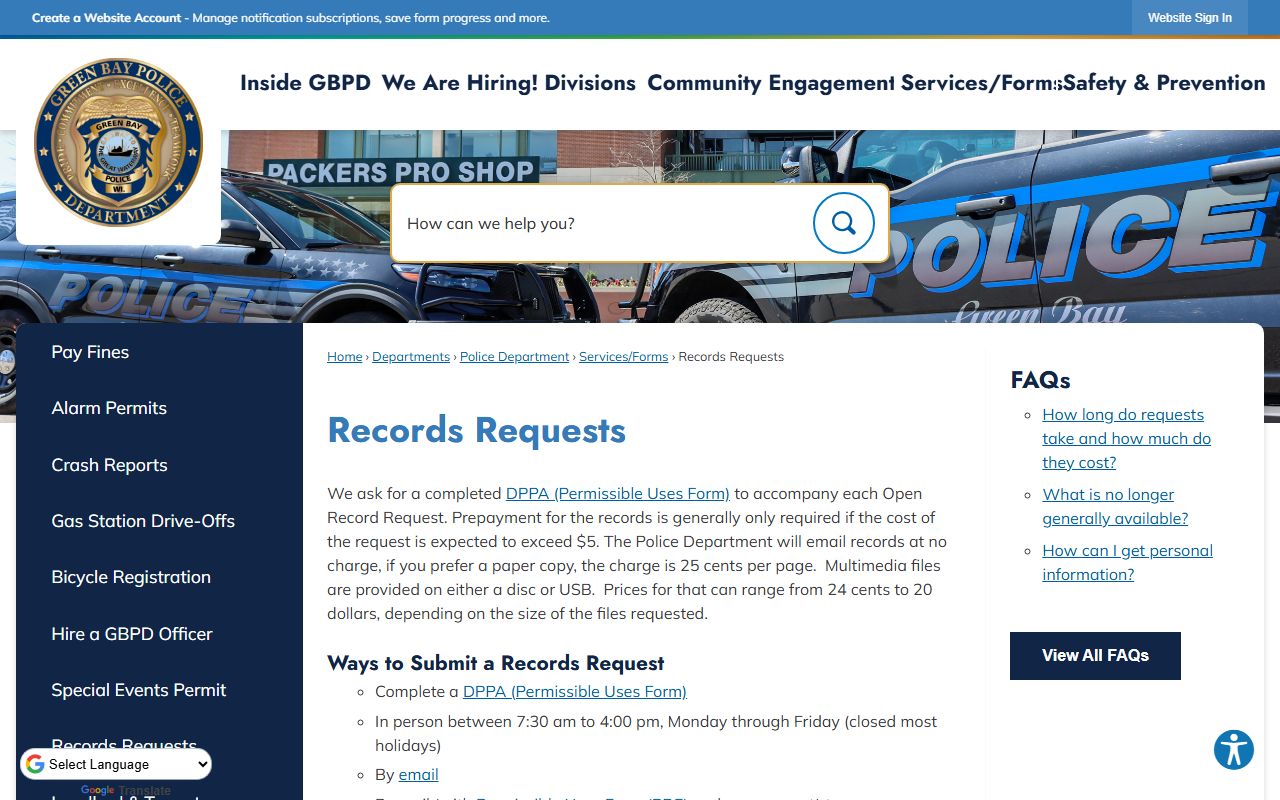
The police records image belongs with the records division because that office is where incident and accident reports are handled.
Green Bay says requesters must complete a Permissible Uses Form for police records, and prepayment is generally required. That is important because it shows the city treats police records as a more controlled records lane than a basic clerk request. Crash reports are available through a separate process, which is another reason to start with the records division page before sending a request. The city makes the path clear, but it still expects the requester to use the correct form and the correct office.
Green Bay Public Records are easiest when you keep police files separate from general city files. If you are after a report from the Police Department, the records division is the right contact. If you are after a city meeting file or license, the clerk or the portal may be better. That difference keeps the request from being delayed by a department that does not own the file.
For people who need a public copy quickly, the police page is useful because it gives the exact office, the hours, and the email address. That avoids the vague step of asking the city as a whole. Once the request is in the police lane, the department can determine whether the report is releasable and what payment or form is needed.
Green Bay Municipal Court Public Records
The Municipal Court page at greenbaywi.gov/497/Municipal-Court is the other major Green Bay Public Records source. The court is at 100 North Jefferson Street in Green Bay, WI 54301, and the phone number is 920-448-3000. Court hours are Monday through Thursday from 7:30 AM to 5:00 PM and Friday from 7:30 AM to 11:30 AM. If your search involves a citation, a municipal violation, or a court matter handled at the city level, this is the office you want first.
This Green Bay Public Records image comes from the Municipal Court page at greenbaywi.gov/497/Municipal-Court.
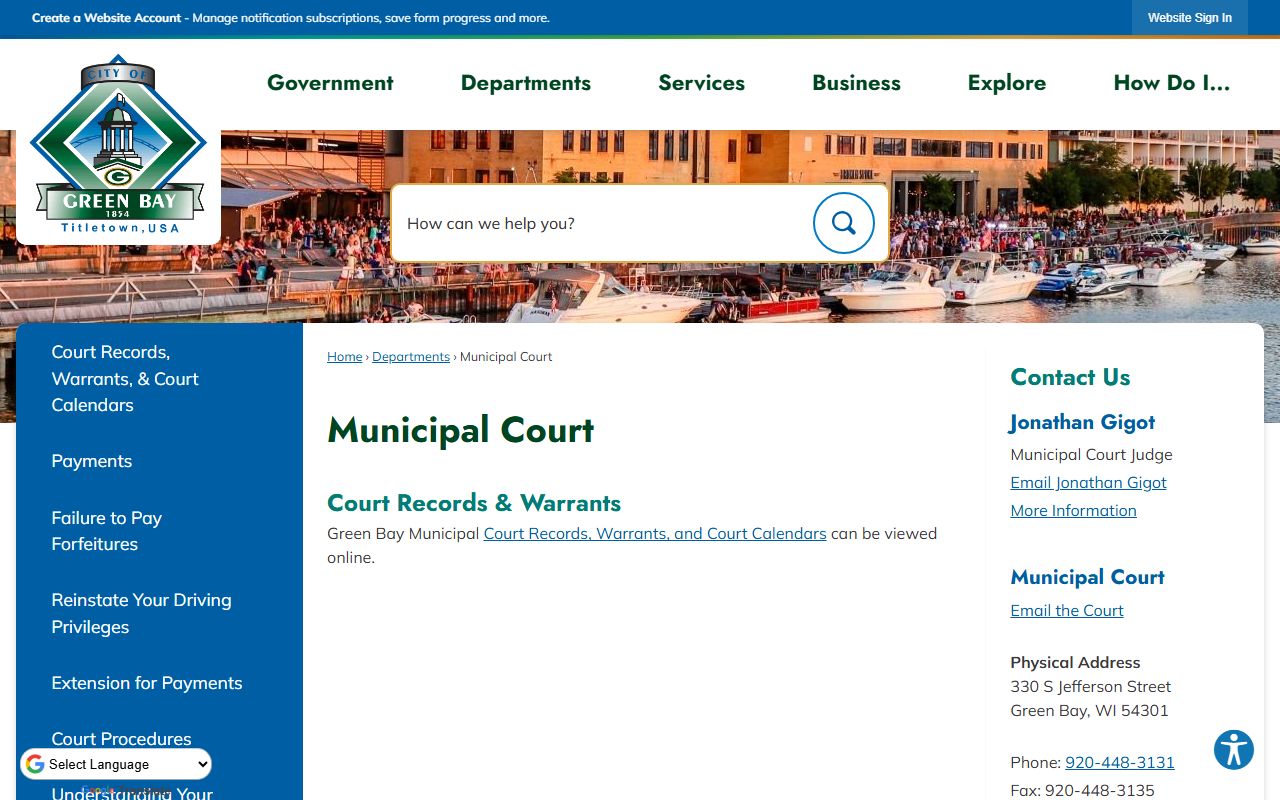
The court image fits the records trail because the municipal court is where city-level case files and hearing questions begin.
Green Bay Public Records searches often split between the court side and the city side. A court citation is not the same as a police report, and neither is the same as a clerk-held city file. That distinction matters if you want the right copy the first time. If you know the citation number, the court can usually move faster. If you only know the party name or a hearing date, the court office can still help, but the request will be smoother if you bring the most specific detail you have.
Municipal court records can also help explain a larger city records question. A fine, a municipal citation, or a case calendar entry may point you to another city department or a payment record. Green Bay Public Records work best when you treat the court record as one piece of the city record trail rather than the whole picture. That keeps the search focused and makes the next step obvious.
Green Bay Public Records Help
When a Green Bay Public Records search needs a statewide frame, Wisconsin's official records resources help keep the process grounded. Wisconsin's open records law at Wis. Stat. chapter 19 explains the base access rule. The DOJ Office of Open Government at doj.state.wi.us/office-open-government, the Public Records Board at publicrecordsboard.wi.gov, and the State Law Library records guide at wilawlibrary.gov/topics/records/index.php are all official backups if you need the process behind the request.
The best thing about Green Bay Public Records is that the city gives you several direct paths. You can request city records through the portal, send a police request through the records division, contact the clerk for city records and elections, or use the municipal court for city-level case files. That means the search does not have to be broad. It can stay precise from the start. The more exact the request, the better the response is likely to be.
That precision matters because the city charges actual costs for record location and may ask for prepayment if the costs exceed $50.00. It also matters because police requests require the right form and court questions belong with the court. Green Bay keeps the offices separate for a reason. Once you follow that structure, the request becomes much easier to manage.
Green Bay Public Records are not hidden behind one office. They are split by function, which is good for the requester as long as the request starts in the right lane. If you know the record type, the city makes the rest fairly straightforward.