
Find Beloit Public Records
Beloit Public Records are handled through the police records system, the city clerk page, and the city's online request tools. That gives requesters a few different paths, but each one is still tied to an official city office. If you need a police report, photos, videos, or another law enforcement file, the police records route is the right start. If you need a city file, the city clerk page and city website are useful local anchors. Beloit also gives you a public records portal that works around the clock for police requests, which makes the city practical when you want to ask after normal office hours.
Beloit Public Records Portal
The Beloit Police NextRequest portal at cityofbeloitpolicewi.nextrequest.com is available 24 hours a day for police reports, photos, and videos. That makes it the most direct starting point for police-related Beloit Public Records. If you are not able to visit during office hours, the portal still lets you submit and track the request. That is important because police records often need a clear intake path, and the city gives you one.
This Beloit Public Records image comes from the police NextRequest portal at cityofbeloitpolicewi.nextrequest.com.
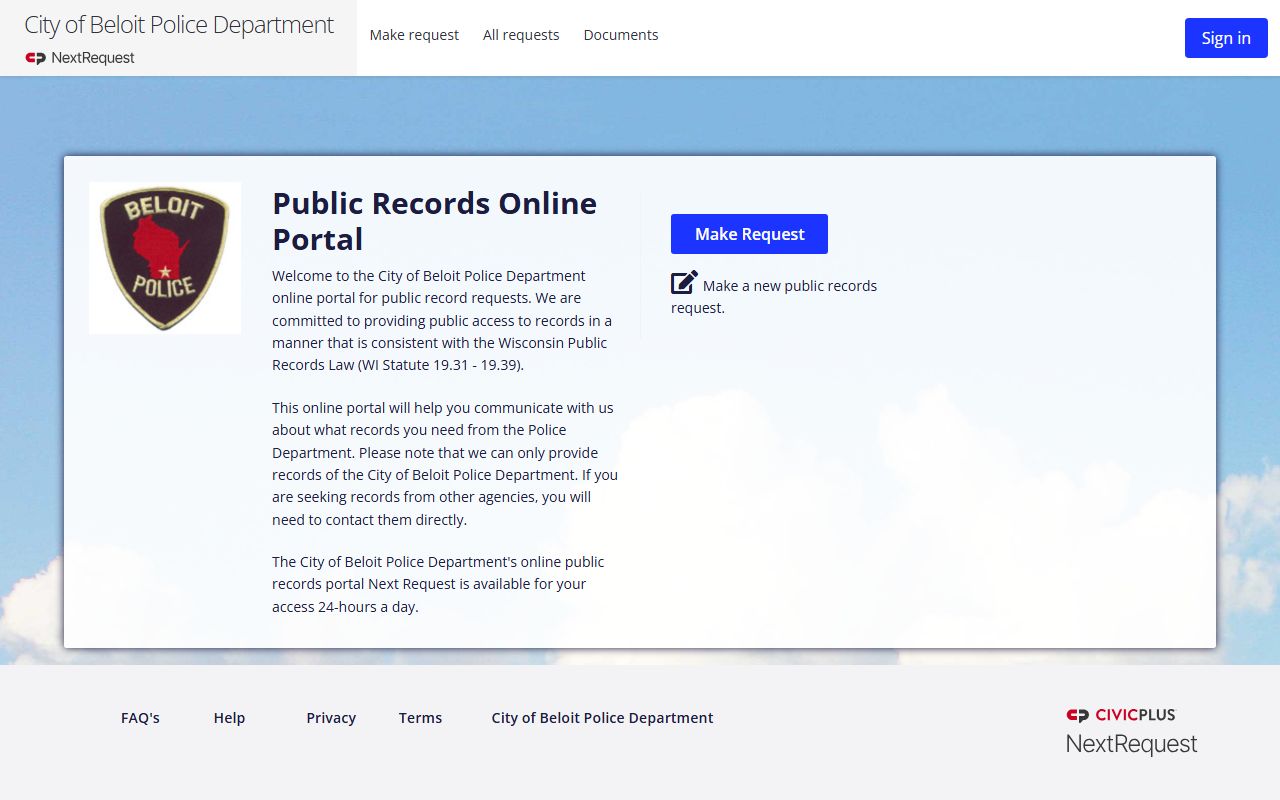
The portal image fits the main police request route because the city uses it for online records access.
For other police records, the city also points requesters to the Police Department records system through the Beloit city site. The support services and records bureau responds to law enforcement records requests and says it is compliant with Wisconsin Open Records Law. It is staffed 24/7, with lobby hours from 10:30 am to 4:30 pm Monday through Friday. That means Beloit Public Records requests can move through a live city office even when the portal is the first point of contact.
The city also gives a separate records requests path with a customer service window Monday through Friday from 7:00 a.m. to 4:30 p.m. The email is pdrecords@beloitwi.gov, and the address is Beloit Police Department, 100 State St., Beloit, WI 53511. Those details matter because they show you the city is not using one vague inbox. It is giving you the department, the window, the email, and the address. That makes the search much easier to manage.
This Beloit Public Records image comes from the city official site at beloitwi.gov.
The official city image is a good general anchor because it ties the public records search back to the city website itself.
Beloit Police Records Public Records
The Police Department support services and records bureau is the key Beloit Public Records office for law enforcement files. The bureau responds to all law enforcement records requests, and the city says it follows Wisconsin Open Records Law. That gives the department a clear public record role. If you need an incident report, an accident file, or another police document, the records bureau is the office that owns the response. The city makes that route clear by keeping the police records function tied to the department rather than the broader city clerical flow.
Beloit also lists fee details that help you plan the request. Black and white copies are $0.05 per page, color copies are $0.09 per page, and postage is charged for mailed reports. That is useful because it gives the requester a realistic cost picture before the file is sent out. Beloit Public Records can become expensive if the request is large, so it helps to know the copy and postage side at the start. A simple request usually stays simple, while a larger one can include more pages and mailing costs.
The records bureau is staffed 24/7, but the lobby hours are Monday through Friday from 10:30 am to 4:30 pm. That makes the office easier to contact than a limited-hours desk, especially if the request is urgent or tied to a police matter. Beloit Public Records searches go better when the requester knows the office is live and the records staff is responsible for the file. The city gives you a direct police lane, which keeps the request from being bounced to a general city office that does not own the record.
When you want a police file, the best path is to go straight to the police department records bureau or the separate NextRequest portal. That keeps the request on the law enforcement side and avoids confusion with general city files. Beloit Public Records are much easier once you separate those two lanes.
This Beloit Public Records image comes from the Police Department page at beloitwi.gov/departments/police.
The police department image belongs here because the department runs the support services and records bureau that responds to law enforcement requests.
- Use the police NextRequest portal for reports, photos, and videos.
- Use the records bureau for law enforcement records requests.
- Use the customer service window if you need city routing help.
- Keep postage in mind if the report is mailed.
Beloit City Clerk Public Records
The City Clerk page at beloitwi.gov/government/city-clerk is a useful city anchor for Beloit Public Records, even when the request itself is police based. The city clerk page gives Beloit a general municipal starting point, and that matters when a requester needs a city office that is not tied to law enforcement. The city clerk image from the manifest confirms that the clerk page is part of the city's public records structure, so it is worth treating as a general city reference point.
This Beloit Public Records image comes from the city clerk page at beloitwi.gov/government/city-clerk.
The clerk image works well as the city administration anchor for records that are not police files.
The city clerk page and the city website are helpful because they keep the municipal side visible. If the request is about city business, the clerk page gives you a place to start before you move to the police records system. That is useful when a Beloit Public Records search begins with a broad city topic and needs to be narrowed to the exact office. The city clerk is not the police bureau, but it is part of the city's records map.
Using the clerk page first can save time when the file is not obviously police related. It gives the requester a municipal starting point and a link back to the official city site. If the record belongs with the police department, the city can move it there. If it belongs with general city records, the clerk page keeps it in the administrative lane. Beloit Public Records work best when the office is matched to the file type from the beginning.
That distinction matters because city records and police records are not handled the same way. The city has separated them for a reason, and the requester benefits from using that structure rather than trying to force one office to answer every question.
Beloit Public Records Help
When a Beloit Public Records search needs broader legal context, Wisconsin's official resources can help. Wisconsin's open records law at Wis. Stat. chapter 19 explains the access rule behind city records. The DOJ Office of Open Government at doj.state.wi.us/office-open-government, the Public Records Board at publicrecordsboard.wi.gov, and the State Law Library records guide at wilawlibrary.gov/topics/records/index.php are all useful if you want the state framework behind a Beloit request.
Beloit is a good example of a city that separates police and general records. That is helpful because it makes the request path more accurate. The police portal handles police reports and media. The records bureau handles law enforcement requests. The clerk page gives the city a general administrative anchor. With those pieces in place, a requester can move through the city system without guessing which department owns the file.
Fees are also easier to understand when the office is clear. The police records bureau gives per-page copy costs, and mailed reports can include postage. That means the requester can estimate the cost before the city sends the file. Beloit Public Records searches work better when the request is specific enough that the department can give a cost and a response without extra delay.
If the record is police related, start with the portal or records bureau. If it is a city file, start with the clerk page. If you want the broader rule behind the city process, use the state resources. That is the clearest way to handle Beloit Public Records.